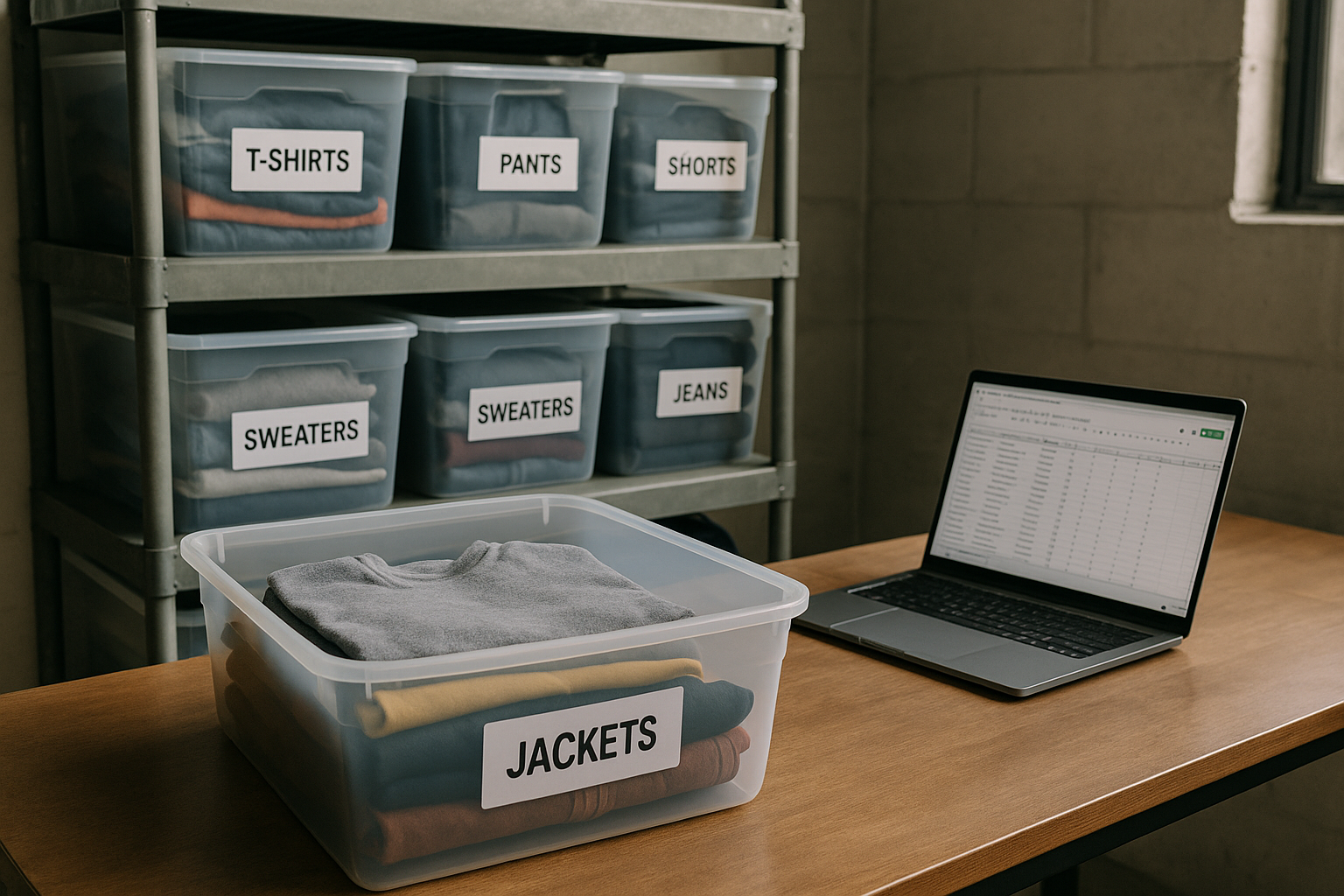
The Holdover Item Audit: How to Spot Dead Inventory Before It Wastes Another Quarter
Run a holdover audit every quarter: pull days-on-hand for every SKU, flag anything past 90 days, calculate what it's actually costing you to keep holding it, and force a decision — reprice, bundle, clearance, or liquidate — within two weeks. If you're not doing this, you're carrying dead stock that quietly eats storage space, ties up cash, and drags down your sell-through rate without you noticing.
Most resellers only notice dead inventory when they trip over the bin. By then it's been sitting 200+ days, the trend has moved on, the fabric has yellowed on the hanger, and the $30 you paid for it is functionally gone. The fix isn't better instincts. It's a repeatable audit process that catches items before they cross from "slow" to "dead."
What Dead Inventory Actually Costs You (It's Not Just the Cost Basis)
When resellers think about a stalled item, they think about the purchase price. That's only one piece. The real number is the holding cost — everything that item quietly consumes while it sits unsold.
Holding cost has three components:
- Capital cost — the cash tied up in that item that isn't available to source something that would sell faster. If you'd earn 12–18% annually reinvesting that cash into faster-turning inventory, every month an item sits is a small opportunity loss.
- Storage cost — bin space, shelving, climate control, or a storage unit fee, divided across your active SKU count. Even at $0.10–$0.20 per item per month, it adds up across a few hundred holdovers.
- Depreciation risk — the markdown you'll eventually need to move it. A jacket that's been sitting for six months usually doesn't sell at its original price; it sells at 60–75% of it, if it sells at all.
Example: a vintage Carhartt jacket with a $24 cost basis, listed at $65, sitting 165 days.
- Capital cost: $24 × 1.5%/month × 5.5 months ≈ $1.98
- Storage cost: $0.15/month × 5.5 months ≈ $0.83
- Depreciation risk: to actually move it now, you'll likely need a 25% price cut — roughly $16.25 off the ask
Total real cost of holding that one jacket for another cycle: roughly $19, on a $24 item. You're not carrying a $24 asset anymore. You're carrying something closer to a $5 asset with a $16 tax on your patience.
Inventory Age Tiers: What to Do at Each Stage
Not every unsold item is dead. A 45-day-old item is normal. A 220-day-old item is a problem. The audit works because it sorts by age and assigns a specific action to each tier, so you're not making a judgment call on every SKU individually.
| Days on Hand | Status | Action |
|---|---|---|
| 0–60 | Active | No action. Normal sell-through window for most categories. |
| 61–90 | Watch | Re-check comps. Confirm price is still competitive with recent solds. |
| 91–120 | Holdover | Reprice 15–20%. Refresh photos or move up in search with a relist. |
| 121–180 | Aging holdover | Bundle with related items or clearance-price 30–40% off original ask. |
| 180+ | Dead stock | Liquidate, wholesale-lot it, or donate for the tax write-off. Stop paying to store it. |
The 90-day mark is the trigger point, not the panic point. That's where you calculate holding cost and make a real decision instead of letting the item ride another 90 days by default.
The Holdover Audit Process, Step by Step
This is the exact sequence to run once a quarter (or monthly if you're moving 500+ items and want tighter control).
- Export your full inventory list with SKU, intake date, cost basis, current list price, and category for every active listing.
- Calculate days-on-hand for each SKU by subtracting intake date from today's date.
- Sort the list by days-on-hand, descending, so the oldest items surface first.
- Flag every item past 90 days as a holdover and pull them into a separate working list.
- Calculate the holding cost for each flagged item using the capital cost, storage cost, and depreciation risk formula above.
- Cross-check the listing's condition grade against the actual garment — confirm the description and photos match what a buyer would see in hand, since a mismatched grade is a common reason items stall.
- Bucket each holdover into one of four decisions: reprice, bundle, clearance, or liquidate/donate, based on the age tier table.
- Execute the decision within 14 days. Don't let flagged items sit in the working list — that defeats the purpose of the audit.
- Log the outcome (sold, bundled, liquidated, donated) against the SKU so next quarter's audit shows real turnover trends by category.
[Screenshot placeholder: FlipDesk inventory age report sorted by days-on-hand with holding cost column]
Why Some Items Go Dead in the First Place
Age isn't the only signal worth pulling into the audit. When you cross-check flagged holdovers, a pattern usually shows up: items priced and described inconsistently with their actual condition sit longer than accurately graded ones.
A listing marked "Excellent" that's really closer to Good — visible pilling, a small repair, some fading not disclosed in photos — will get clicks but stall at the offer stage or generate hesitant buyers who scroll past. Buyers comparing two similar jackets will gravitate toward the one where the condition claim and the photos clearly agree. If your Fabric Condition, Structural Integrity, Cosmetic Appearance, Functional Elements, and Odor & Cleanliness don't line up with the tier you've listed under — whether that's NWT, NWOT, Excellent, Very Good, Good, Fair, or Poor — the item sits, gets a return when it does sell, or both.
When you're reviewing your holdover list, spend 30 seconds per item asking: is this actually priced right for its condition, or is the condition claim doing more work than the garment can back up? A lot of "slow-moving inventory" is really "inaccurately graded inventory" wearing a different label.
When to Clearance vs. When to Liquidate
These aren't the same move, and using the wrong one wastes more time than it saves.
| Situation | Best Move | Why |
|---|---|---|
| Good item, wrong price, under 150 days | Clearance (30–40% off) | Still has demand at the right price point — you're fixing pricing, not disposing of inventory. |
| Item is dated, off-trend, or seasonal mismatch | Bundle with 2–3 related items | Recovers more per unit than a single deep discount and clears shelf space faster. |
| 180+ days, low cost basis, no buyer interest at any price tested | Wholesale lot to another reseller | Recovers pennies on the dollar, but it's better than continued storage cost and it's fast. |
| 180+ days, damaged, or grade dropped to Fair/Poor | Donate | Tax deduction plus a documented cost basis write-off — cleaner than a $2 liquidation sale. |
The Math on Skipping the Audit
Say you're running 400 active listings and you never run a holdover audit. Based on typical sell-through curves, 8–10% of your inventory — 32 to 40 items — will silently cross the 180-day mark every quarter. At an average cost basis of $20 and a holding cost of roughly $18 per item by that point (capital, storage, and depreciation combined), that's $576–$720 in dead weight sitting in your bins at any given time, plus the storage space you could be using for inventory that actually turns.
Run the audit and clear even half of that quarterly, and you've freed up $300–$400 in tied-up cash and a meaningful chunk of shelf space, every 90 days, without sourcing a single new item.
Try This on Your Own Inventory
Pull your oldest 20 SKUs right now and run the days-on-hand calculation by hand. If more than a handful are past 120 days, you have a holdover problem worth systematizing. FlipDesk's inventory module tracks intake date and days-on-hand automatically across your full catalog, so the audit takes minutes instead of an afternoon with a spreadsheet. Try it on your current backlog and see what surfaces.