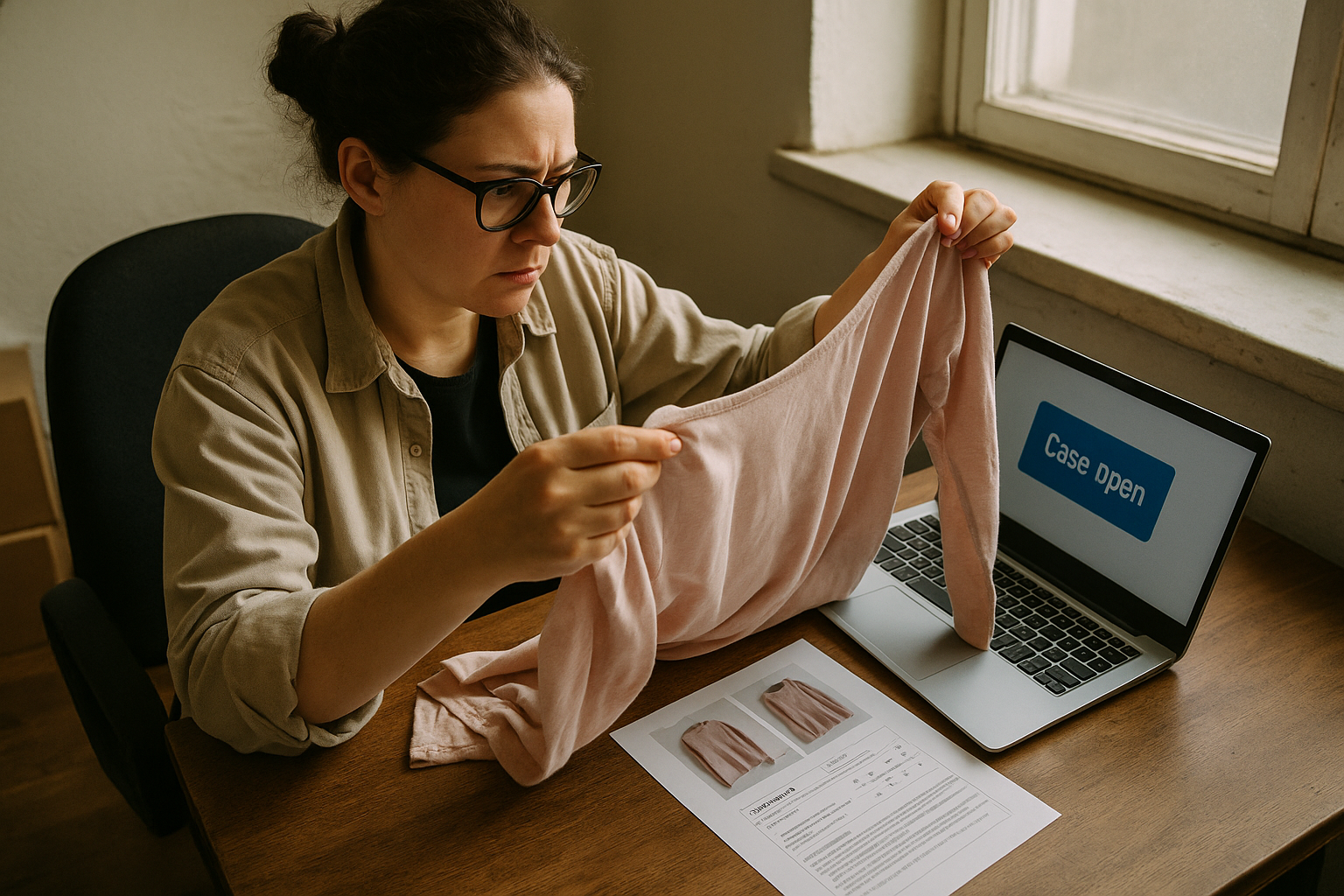
When a return or case lands, you have two jobs: figure out in the first two minutes whether the claim is legitimate, and respond before the platform's clock runs out. Get both right and most disputes cost you a prepaid label. Get either wrong and they cost you the sale, the fee, and a mark against your seller metrics.
This is the operational playbook for the moment the notification hits — not how to prevent returns (grading and photos do that upstream), but what to actually do when one shows up in your inbox.
Read the Reason Before You React
Every return request and case comes with a stated reason, and that reason changes your options. Don't skip straight to "just refund it" or "fight everything." Read what the buyer actually selected and wrote, because it determines who pays return shipping, whether it counts against your account health, and whether you even have a real dispute to make.
The common reason categories you'll see across platforms:
- Changed mind / no longer wanted — no defect claimed. This is buyer's remorse, and most marketplace policies don't require a free return for it unless your own return policy allows it.
- Doesn't fit — sizing complaints. Almost always treated as buyer error, but many platforms still push sellers toward acceptance to protect the buyer experience.
- Not as described (INAD) — the buyer claims the item doesn't match your listing: a stain you didn't disclose, a size tag mismatch, a smell, a rip. This is the category worth investigating hardest, because it's the one your condition documentation can actually settle.
- Item damaged in shipping — this is a carrier issue, not a grading issue. Handle it separately from your condition record.
- Wrong item sent — a fulfillment error on your end. Accept immediately; there's no argument here.
The Response Procedure
Use the same sequence every time a case opens. Consistency is what keeps a 20-case month from eating your whole afternoon.
- Open the return request or case within a few hours of notification and read the buyer's stated reason and any photos they attached.
- Pull your original listing: photos, item specifics, and your condition record or grading certificate for that SKU.
- Compare the buyer's claim against your documented condition, checking each factor that applies — Fabric Condition, Structural Integrity, Cosmetic Appearance, Functional Elements, and Odor & Cleanliness.
- Decide on one of three paths: accept the return, offer a partial refund, or contest the claim with evidence.
- Respond inside the platform's window with a short, factual message — no defensiveness, just what the listing said and what the photos show.
- If you're accepting, issue or authorize the return label per the platform's process and refund according to its rules once the item is back or the case closes.
- Log the outcome — reason code, resolution type, and dollar cost — in your reconciliation tracker.
- If the item comes back to you, re-inspect it against your original grade before it goes back into inventory or gets relisted.
That log in step 7 matters more than it looks. One return is a one-off. Five returns in a month with the same reason code is a process problem, and you won't see the pattern unless every case gets recorded the same way.
When to Accept vs. When to Push Back
Not every case deserves the same response. Use the reason and your own documentation to decide fast instead of relitigating each one from scratch.
| Reason Given | Typical Move | Why |
|---|---|---|
| Changed mind, no defect claimed | Push back or offer partial refund minus shipping | Buyer remorse isn't a documented condition issue — nothing to contest, but also nothing forcing a full refund unless your policy says so. |
| "Not as described" — buyer found a flaw | Depends entirely on your original grade | If your condition report already disclosed wear in that spot (say, the item was graded Good with a noted mark), you have grounds to contest. If it's a genuine miss, accept and move on. |
| Wrong size ordered | Accept quickly | Buyer error, but most platforms lean toward the buyer here. Fighting it rarely changes the outcome and it delays your refund clock. |
| Damaged in transit | Accept the return, file a separate carrier claim | Not a seller-side defect. Don't let it touch your grading record at all. |
| Odor complaint | Check your Odor & Cleanliness note | If disclosed at listing, contest with your notes. If missed, accept and flag your intake process. |
Platform Mechanics: eBay Return, Poshmark Case, Mercari Rating
The clock and the leverage look different depending on where the sale happened. Know the mechanics before you respond, not after.
| Platform | How a dispute starts | Seller leverage |
|---|---|---|
| eBay | Buyer opens a return request, selecting a reason. An INAD claim forces a free return regardless of your stated return policy. | You typically have a few business days to respond. If you don't, eBay can auto-refund the buyer and the case counts against your metrics. Photo evidence in your original listing is your strongest tool here. |
| Poshmark | Buyer opens a Poshmark case within a short window after delivery (commonly a few days), with photos, under Posh Protect. | Funds stay in escrow until the case resolves. You don't negotiate directly with the buyer — Poshmark support reviews your listing photos against the buyer's claim, so what you shot at listing time is what decides it. |
| Mercari | Buyer rates the transaction and can request a return before rating, prompting Mercari's team to step in. | You can submit counter-evidence — photos, your original description — and Mercari customer service arbitrates. Fast, documented responses matter more than persuasive writing. |
How Timestamped Condition Evidence Protects You
The single biggest lever you have in any "not as described" dispute is proof of what the item actually looked like before it shipped. A buyer saying "there's a hole in the sleeve" means nothing if your listing already disclosed a small hole and graded the item Fair or Good instead of Excellent. It means everything if your listing said Excellent and there's no mention of damage anywhere.
This is why a dated, itemized condition report beats a seller's memory or a vague photo taken months ago. A grading record that timestamps Fabric Condition, Structural Integrity, Cosmetic Appearance, Functional Elements, and Odor & Cleanliness at the point of listing gives you something concrete to attach to your response — not "I inspected it carefully," but a specific record a case reviewer or eBay rep can compare line by line against the buyer's claim.
The categories matter because reviewers on these platforms aren't clothing experts. They're comparing two data points: what the listing said, and what the buyer is showing them. The more specific and dated your original condition record, the less room there is for a case to go the buyer's way on a claim that isn't real.
Logging Outcomes So the Same Dispute Doesn't Repeat
A single INAD case is a cost of doing business. Five INAD cases in a month, all citing the same defect type on the same category of garment, is a signal that your grading or photo process needs adjustment — maybe you're under-documenting pilling on knits, or missing interior tag shots on vintage tees.
You can't see that pattern from memory. It shows up in a reconciliation log where every case has a reason code, a resolution, and a dollar cost attached. That log also feeds directly into your per-item P&L — a return isn't just a refund, it's the return shipping, the relist time, and sometimes a second round of photography, and all of that needs to hit your books the same way a listing fee does.
Once you're logging outcomes consistently, tie the pattern back to your intake process. If odor complaints cluster around one sourcing route, adjust cleaning before listing. If sizing disputes cluster around one brand, tighten your measurement step. The dispute itself is a one-time cost; the pattern it reveals is the thing worth fixing.
Handling one case well is a skill. Handling two hundred a year without losing track of the cost, the cause, and the resolution is an operations problem — and it's the kind FlipDesk's reconciliation workflow is built to solve, matching each return against its original sale, cost basis, and condition record so nothing slips through when the payout lands short.
If you're not sure whether your current documentation would hold up in a case, start with one item: grade it with a dated condition report before it ships, and keep that record on file. The next dispute you get will tell you whether it was worth it.