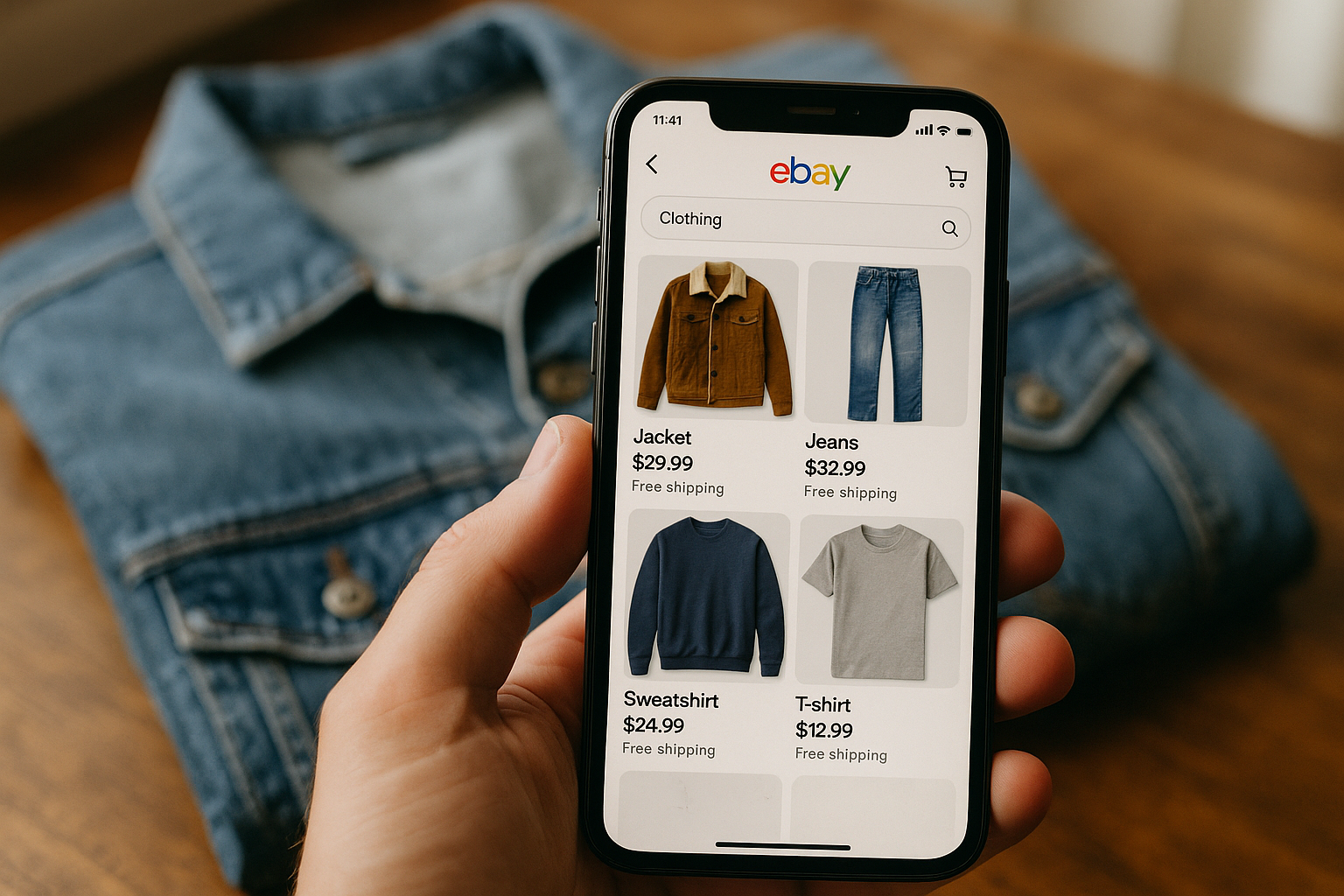
eBay clothing titles should use as close to the full 80-character limit as the item honestly allows, with the highest-value search terms — brand, item type, size — packed into the first 40 characters. Cassini, eBay's search engine, indexes every word in the title, but buyer attention and several mobile layouts cut off visible text well before character 80. Titles that waste the first 40 characters on filler words lose impressions before a shopper ever scrolls.
Most resellers know the 80-character limit exists. Far fewer treat it like a budget with a return on investment. A title isn't a caption — it's 80 slots, and every slot you leave blank or fill with a word nobody searches is a slot a competitor's keyword could have occupied. Run 300 listings a month and the difference between a title that works and one that doesn't compounds into real impression volume, not a rounding error.
Why 80 Characters Isn't a Suggestion, It's a Budget
eBay title length caps at 80 characters including spaces. That's roughly 10-13 words depending on length. Cassini uses title text as one of its primary relevancy signals for search matching — it's still the first place eBay's algorithm looks to decide whether your listing matches a buyer's query. A title that stops at 45 characters because it "looked clean" is voluntarily giving up 35 characters of match opportunity.
Think of it like ad inventory. You wouldn't buy a billboard and leave a third of it blank. Every unused character is unused reach. The fix isn't cramming random words — it's identifying which additional 3-5 terms real buyers actually type into eBay search, and using the space you have to include them.
The Keyword Placement Hierarchy
Not all keyword positions carry equal weight. eBay search ranking title optimization research (and years of A/B testing across reseller listings) consistently shows the first 40-55 characters get weighted more heavily by both the algorithm and human scanning behavior, especially on mobile search results where titles truncate. Order matters as much as inclusion.
- Brand name — always first if the item has a recognizable brand. Buyers search brand-first more than any other pattern.
- Item type — be specific: "Denim Jacket" beats "Jacket," "Midi Wrap Dress" beats "Dress."
- Size — include the number or letter size exactly as it appears on the tag, since size is a top filter buyers apply.
- Color — use the common name buyers search ("Olive Green"), not the brand's marketing name ("Forest Whisper").
- Material or fabric — cotton, wool, leather, denim — these are frequent secondary search terms.
- Style or fit descriptor — "Relaxed Fit," "High Waist," "Cropped" — these catch style-specific searches.
- Distinguishing detail — pattern, era, or feature that separates this listing from near-identical ones.
Notice condition terms aren't first on this list. That's deliberate — buyers search for what the item is before they filter by what shape it's in. Condition earns a spot near the end of the title, not the front, unless the item is NWT, which buyers do search for directly.
Keyword Density Without Keyword Stuffing
Keyword density matters, but eBay title keyword density for clothing listings has a ceiling. Repeating a word ("Vintage Vintage Levi's Jacket Vintage Style") doesn't multiply relevance — it reads as spam to buyers and doesn't improve match strength with Cassini. The goal is coverage of distinct, high-search-volume terms, not repetition of one term.
| Title Example | Character Count | Assessment |
|---|---|---|
| "Nice Blue Jacket Size M" | 24 | Wastes 56 characters. No brand, vague color, no material or style term. |
| "Levi's Trucker Jacket Medium Blue Denim Cotton Vintage 90s" | 60 | Better coverage, but front-loading could be tighter and "Vintage" needs an era qualifier to earn its space. |
| "Levi's Trucker Denim Jacket Sz M Medium Blue Cotton Vintage 90s Style Excellent" | 80 | Full use of character budget, brand-first, size and material covered, condition tier included at the end. |
| "Jacket Jacket Denim Jacket Vintage Jacket Blue" | 47 | Keyword stuffing. Repetition doesn't add distinct search terms and reads as spam to buyers. |
Step-by-Step: Building a Title That Uses Every Character
- List the item's confirmed facts first: brand, garment type, size, color, material — pull these straight from the tag, not memory.
- Search eBay's own autocomplete for the brand and item type to see what terms eBay itself suggests buyers are searching.
- Draft the title in hierarchy order: brand, item type, size, color, material, style descriptor.
- Count characters as you go — most listing tools show a live counter; if yours doesn't, count manually before you save.
- If you have characters left after covering the core facts, add one distinguishing detail (era, pattern, silhouette) rather than repeating a word already used.
- Place the condition term last, using GradeThread's canonical tiers — NWT, NWOT, Excellent, Very Good, Good, Fair, Poor — so it matches both buyer search behavior and your condition report.
- Read the title back as a buyer would type it into search — if it doesn't sound like a real query, reorder it.
Where Grade Terms Belong in the Title
Condition terms pull real search volume — buyers do type "NWT" and "Excellent condition" into eBay search — but they're a filter term, not a primary identifier. Use the same canonical vocabulary in your title that you use in your condition report: NWT, NWOT, Excellent, Very Good, Good, Fair, Poor. Consistency here matters more than most sellers realize. A title that says "Excellent" while the description reports Very Good on Fabric Condition and Cosmetic Appearance creates the exact mismatch that generates a not-as-described return. If you're grading with GradeThread, the certificate's overall tier is the term that belongs in the title — not a softer or harsher word you picked separately.
Skip vague condition language entirely. "Great condition," "barely worn," and "like new" aren't searchable terms and they don't map to any standardized tier — buyers can't filter by them and they don't build the trust a specific, verifiable grade does.
Mobile Truncation and Why the First 40 Characters Matter Most
Most eBay traffic is mobile. Mobile search result cards typically show noticeably fewer visible characters than desktop before truncating with an ellipsis — the exact cutoff shifts with eBay's app updates, but the pattern holds: the first 40-55 characters do the majority of the persuading, even though all 80 get indexed for search matching. That's why brand, item type, and size — the three facts buyers scan for fastest — belong at the front, and why a distinguishing style detail or era note is a better use of trailing characters than a repeated brand mention or filler word like "nice" or "cute."
Test this yourself: pull up ten of your own listings on your phone and note where the title actually cuts off. If your size or key material term falls after that cutoff point, move it earlier. This single adjustment, applied across a few hundred listings, is one of the highest-leverage five-minute audits a reseller can run.
The Character-Count Math at Scale
A seller running 500 active listings who improves average title character utilization from 50 characters to 78 characters isn't just tidying up — they're adding roughly 28 additional characters of match opportunity per listing, multiplied across the whole store. That's not a guaranteed sales lift, and we won't pretend it is, but it is a measurable increase in the surface area available for Cassini to match against buyer search queries. Combined with accurate item specifics and a condition-consistent title, it's one of the few listing-optimization levers that costs nothing and takes minutes per item.
FlipDesk's AutoLister module builds titles against this exact hierarchy automatically — pulling brand, size, and material from your intake data, checking character count in real time, and pulling the condition tier straight from your GradeThread grade so the title, description, and certificate never contradict each other.
Try It on Your Next Batch
Pick ten live listings with underperforming impressions and run them through the hierarchy above: brand, item type, size, color, material, style detail, condition tier. Count the characters. If you're under 65, you have room to add a real, searchable term — not filler. Small fix, real math, no guesswork required.