The Condition Grade Mismatch: When Your Photos Contradict Your eBay Title and Lose the Sale
A condition grade mismatch happens when your title or description claims one thing and your photos show another — and it kills conversion faster than a bad price. Buyers trust the picture over the word every time, so when they don't match, you don't get a message asking for clarification. You get a pass, or worse, a sale followed by a return.
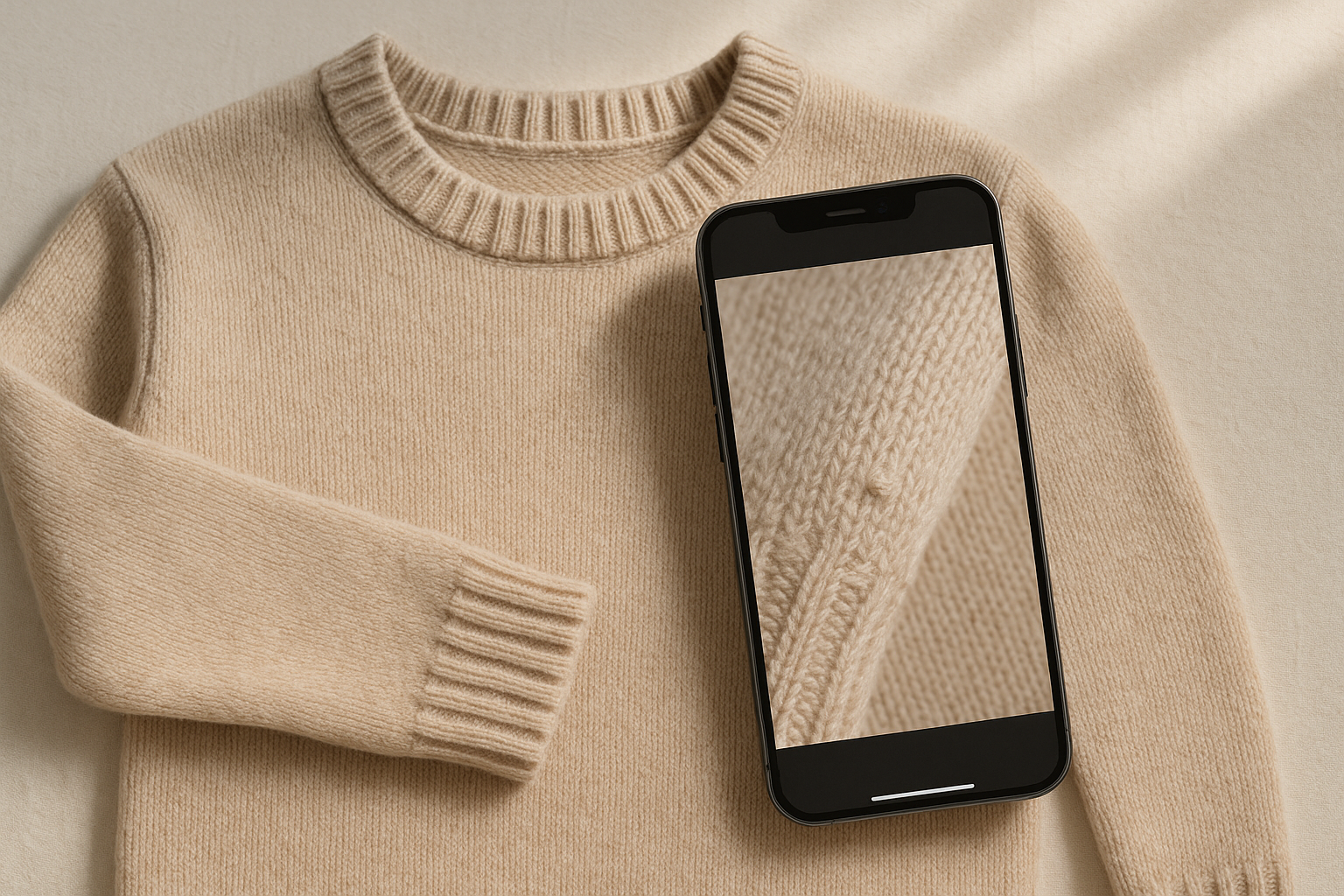
We've pulled listings where the title read "Excellent Condition" and photo four showed a visible pull at the hem. We've seen "Very Good, barely worn" next to a flatlay with obvious pilling under the arms. The seller wasn't lying. They just weren't looking at their own evidence the way a buyer does — as proof, not decoration.
What a Condition Grade Mismatch Actually Looks Like
This isn't about dishonesty. Most mismatches come from sellers grading fast, from memory, or from a general impression of the piece rather than a photo-by-photo check. The garment felt like Very Good when you handled it. But your camera caught a stain your fingers didn't register, or a seam under stress that only shows at a certain angle.
Common mismatch patterns we see across clothing categories:
- Title says NWT, but a photo shows a hangtag detached or a fold crease that suggests the item was tried on and returned to stock.
- Description says "no flaws," but a zoomed interior shot shows deodorant marks near the underarm seam.
- Grade claimed is Excellent, but a sole shot on a shoe listing shows visible tread wear that reads closer to Good.
- Description omits odor entirely, but a fabric close-up shows the kind of yellowing under a collar that usually pairs with smoke or must.
- Title claims "like new," but a structural close-up shows a repaired seam or replaced button that was never mentioned.
Every one of these is a fixable communication gap. None require the item to be worse than you think — they require your words and your photos to agree before a buyer has to reconcile them.
Why Buyers Notice the Gap Before They Read Your Description
Buyers scan photos first, title second, description third — often skimmed, rarely read in full. That means the photo is doing the heavy lifting on condition, whether you intended it to or not. If a buyer's eye catches a flaw in photo six that your title never mentioned, you've just taught them not to trust anything else in the listing. That skepticism doesn't stay contained to the one item — it colors how they read your whole store.
This is the same mechanic behind most "item not as described" disputes. It's rarely that the item was drastically different from what was shown. It's that the buyer felt misled by the gap between the confident claim ("Excellent") and the visual evidence (a photo that, on close inspection, supports something closer to Very Good or Good). Once a buyer feels misled on condition, they stop giving you the benefit of the doubt on everything else — return window, sizing, even shipping speed.
The Five Factors Buyers Cross-Check Against Your Claim
When we talk about condition at GradeThread, we break it into five factors, and buyers — even ones who've never heard the term — are checking your photos against all five whether they know it or not:
- Fabric Condition — pilling, fading, thinning, shrinkage. Buyers zoom into knit and fleece photos specifically looking for this.
- Structural Integrity — seam wear, stitching separation, stretched-out waistbands or cuffs. This is the factor most often missed in a quick photo pass.
- Cosmetic Appearance — stains, discoloration, print cracking. The most photographed factor and also the one buyers scrutinize hardest.
- Functional Elements — zippers, buttons, drawstrings, elastic. A missing button in a photo that isn't mentioned in the title is a classic mismatch.
- Odor & Cleanliness — impossible to photograph directly, but buyers infer it from yellowing, staining patterns, and overall visual freshness.
A grade of Excellent should hold up across all five factors in every photo. If one photo shows a factor slipping — say, Structural Integrity with a loose hem — either the grade needs to come down to Very Good, or the description needs to call out the specific flaw so it reads as disclosed, not discovered.
The Alignment Check: A Step-by-Step Procedure
This is the audit we run before any listing goes live. It takes two to four minutes per item once it's a habit, and it catches the mismatch before a buyer does.
- Open your draft listing exactly as a buyer would see it — title, then photo gallery, then description, in that order.
- Read the title's condition claim out loud (NWT, NWOT, Excellent, Very Good, Good, Fair, or Poor) and hold it in mind as your baseline.
- Scroll every photo and ask, for each one: does this image support the claimed grade, or does it show something a stricter grader would flag?
- Flag any photo where a defect is visible but unaddressed in the title or description — pilling, a stain, a loose thread, sole wear, a repaired seam.
- Check the five factors specifically: Fabric Condition, Structural Integrity, Cosmetic Appearance, Functional Elements, Odor & Cleanliness. Confirm the photos give evidence for each, not just the ones that photograph easily.
- If a flag exists, either downgrade the stated condition tier to match the photo, or add a specific callout in the description that names the flaw and shows it's intentional disclosure, not an oversight.
- Re-read the title one more time after edits. If it still overclaims relative to what the photos show, cut the claim down until it matches — every time.
Step six is where most sellers stop short. Adding a line like "small pull near left cuff, pictured in photo 5" does more to prevent a return than any amount of positive language in the title.
Mismatch vs. Alignment: Side by Side
| Title claim | What the photo shows | Buyer's likely read | Fix |
|---|---|---|---|
| Excellent Condition | Visible pilling under both arms, unmentioned | Overstated, seller wasn't careful | Downgrade to Very Good or disclose pilling explicitly in description |
| NWT | Hangtag photographed loose, folded, or reattached with a safety pin | Not actually new, questions authenticity of claim | Switch to NWOT if tags aren't factory-attached, or explain the tag situation directly |
| Like new, no flaws | Close-up shows small stain near hem | Deliberately hidden defect | Name the stain, its size, and location; adjust grade to Good or Fair depending on severity |
| Very Good | All five factors photograph clean, no visible defects | Claim matches evidence, trust reinforced | No change needed — this is the target state |
| Good, some wear | Photos show heavier wear than "some" implies — thinning fabric, stretched cuffs | Grade may still be too generous even after disclosure | Consider Fair if Fabric Condition or Structural Integrity is meaningfully compromised |
How This Shows Up in Return Reason Codes
When a mismatch slips through, it doesn't usually show up as a message first. It shows up three days later as an "Item not as described" return, sometimes filed the same day the package arrives. The buyer isn't wrong to file it — the title told them Excellent, the item showed a flaw your photos technically documented but your words never addressed. From eBay's Money Back Guarantee standpoint, that's a legitimate claim, and you'll likely eat the return shipping along with the sale.
The fix is cheaper than the return. A five-minute alignment check before you list costs you nothing but time you were already spending on the listing. A return costs you the item's time-in-transit, the refund, potential return shipping, and — if it happens often enough — a ding to your account's service metrics that eBay tracks behind the scenes.
Where This Fits Into Your Listing Workflow
The alignment check works best as the last step before publish, after photos are shot and the title is drafted but before you hit list. Treat it the same way you'd treat a final proofread — quick, procedural, non-negotiable. If you're running high volume, build it into whatever checklist or template you already use for titles and item specifics, so it's not an extra step you have to remember, just one more line on the list you already follow.
Standardized condition grading — a real grade instead of a seller's general vibe — closes this gap by design. When the grade comes from an evidence-based process that checks the same five factors every time, the title and the photos are generated from the same source, so they can't drift apart the way they do when grading is a gut call made under time pressure.
Try grading one item end to end and compare the resulting grade against how you would have titled it from memory. The gap, if there is one, is usually smaller than you'd expect — but it's exactly the gap that turns into a return.