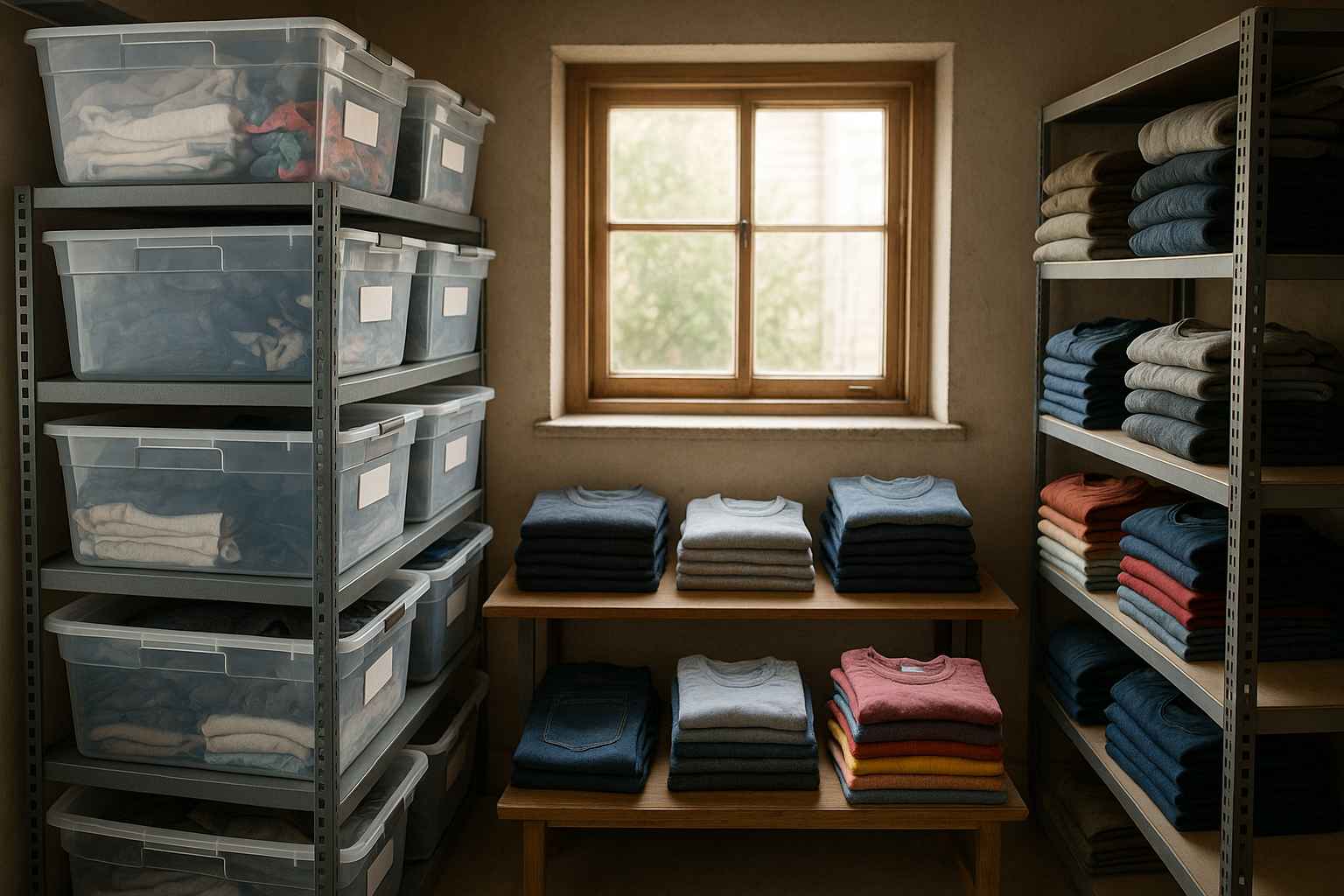
If you're re-sorting bins by hand more than once a week, you're paying what we call the bin shuffle tax: the unpaid time spent hunting for an item, moving other bins to reach it, and re-shelving everything after. At 500 active SKUs stored across 35-40 bins, that tax usually runs 5-10 hours a month — time that produces zero listings, zero sales, and zero dollars. The fix isn't a bigger storage unit. It's a bin organization system with one primary axis, a label system that answers "where is it" without opening a lid, and a rotation rule that keeps fast movers up front.
The Bin Shuffle Tax: What It's Actually Costing You
Here's how the tax shows up in a normal week. A buyer orders a size M flannel you sourced six weeks ago. You remember it's "in one of the flannel bins" — except you have three flannel bins because you ran out of room in the first two. You open all three, dig past 40 items you're not looking for, find it, then have to decide whether to cram it back in the wrong bin or carry it to the next one. Multiply that by every order, every day, and the minutes add up fast.
This isn't a storage problem. It's a lookup problem. A bin system fails the moment "where is item X" requires opening more than one bin to answer. Everything below is built to fix that specific failure.
The Math: Time Cost Per Item, Per Month
Say you run 500 active listings, ship 12 orders a day, and pull for photography another 15 items a day. If each pull-and-return cycle averages 90 seconds in a well-organized system versus 4 minutes in a disorganized one, the gap is 2.5 minutes per item.
| Monthly activity | Items touched | Time at 90 sec/item | Time at 4 min/item | Monthly gap |
|---|---|---|---|---|
| Shipping pulls | 360 | 9 hrs | 24 hrs | 15 hrs |
| Photography pulls | 450 | 11.25 hrs | 30 hrs | 18.75 hrs |
| Restocking/reshelving | 810 | 4 hrs | 13.5 hrs | 9.5 hrs |
| Total | 24.25 hrs | 67.5 hrs | 43.25 hrs |
At $20/hour of your own time, that gap is roughly $865 a month — money you're not earning because you're searching instead of sourcing, listing, or shipping. That's the number to fix, not the aesthetics of your shelving.
How to Organize Reseller Inventory Bins Efficiently (Step by Step)
This is the sequence that gets a bin system from "dig through three bins" to "walk directly to the item." Work through it once, then repeat the audit step quarterly.
- Time-audit your current pull-and-return process for one week. Log start and end time for 20 random item pulls to get a real baseline, not a guess.
- Assign every active item a permanent SKU before it ever touches a bin. If an item doesn't have a SKU, it doesn't get shelved — it goes in an intake queue instead.
- Choose one primary bin axis and commit to it: SKU-sequential (bin holds SKU ranges 0001-0050), category-then-size (all men's denim, sub-sorted by waist), or velocity-zone (fast sellers in reach-height bins, slow movers in overflow). Mixing axes is what creates the "three flannel bins" problem.
- Build the bin label: bin ID, contents range or category code, and — if you store by quality tier — a condition-tier code using Excellent, Very Good, or Good so quality-control pulls don't require opening every bin in a category.
- Map every SKU to its bin location in your tracking sheet or in FlipDesk's location field, updated at the moment of shelving, not at end of day from memory.
- Set a rotation rule: items with sales velocity in the top 20% move to front-row, reach-height bins; slow movers get bumped to overflow or a clearance shelf after 60 days with no offers.
- Re-audit every 90 days. Re-zone based on actual sales data, not on what you assume is selling — categories shift with the season and your sourcing mix.
- Once you cross roughly 150 active items, stop tracking bin location in a spreadsheet and automate the SKU-to-bin lookup so a search returns the bin number instantly instead of requiring you to scroll.
The Label System That Kills the Search-and-Guess Cycle
A label system for reseller storage bins only works if it answers the question before you touch the bin. Three formats cover almost every reseller's needs:
- SKU-range labels — best for high-volume, low-per-item-value sellers (fast fashion, basics). Example: Bin 14 = SKU 1401-1450. Fast to build, fast to scale, but tells you nothing about contents at a glance.
- Category + size labels — best for sellers with strong category focus (denim, outerwear). Example: Bin 08 = Men's Denim, 32-34W. Easier to browse visually, but breaks down once you exceed ~40 SKUs per category and need sub-bins.
- Category + condition-tier labels — best for sellers who batch photography or QC by grade. Example: Bin 22 = Knitwear, Excellent/Very Good. Useful when you're pulling a batch of a specific condition tier for a themed listing push or a bulk-relist of Good or Fair items at a lower price point.
Whatever format you pick, put the label on two sides of the bin, not one — you lose more time walking around a shelf than you'd think.
Inventory Rotation Best Practices for a Small Team
Rotation is where most solo operations and small teams fall apart, because the person who shelved an item isn't always the person who pulls it later. Four rules keep rotation from turning into chaos:
- One person owns bin-location updates per shift. Splitting that responsibility across whoever's free guarantees drift within two weeks.
- Front-row bins get re-evaluated monthly against actual sales velocity, not gut feel about what's "probably" selling.
- Nothing gets reshelved "temporarily." If an item comes back from a failed listing pull, it goes back to its mapped bin or the location record gets updated on the spot — not after the shift ends.
- Overflow storage gets a hard cap. Once overflow exceeds 15% of total bin count, that's the signal to liquidate slow movers rather than expand storage.
What to Automate First (And What to Leave Manual)
Not every part of bin management needs software. Here's the split we'd recommend based on where the time actually leaks.
| Task | Manual is fine | Automate first |
|---|---|---|
| SKU assignment | Yes, at low volume (<100 items) | Above 150 items — manual SKU creation is where duplicates creep in |
| Bin-to-SKU lookup | Spreadsheet works under 200 SKUs | Above 200 SKUs, a searchable location field pays for itself in week one |
| Rotation/re-zoning decisions | Always needs a human call on what's actually selling | N/A — velocity data can be automated, the zoning decision shouldn't be |
| Label printing | Fine to batch manually for small runs | Automate label generation once you're adding 20+ bins a month |
The pattern: automate anything that's pure lookup or data entry. Keep human judgment on anything that's a strategic call, like which categories deserve prime shelf space this quarter.
Start With the Audit, Not the Shelving
Before buying a single new bin, run the one-week time audit from Step 1. Most resellers overestimate how disorganized their bins look and underestimate how much time the lookup problem actually costs. Fix the SKU-to-bin mapping first — the physical reorganization is easy once the location data is right.
FlipDesk's inventory-ops tools map every SKU to a bin location automatically as you catalog, so location lookups return instantly instead of requiring a spreadsheet search or a physical dig. If you're curious what your current shuffle tax actually costs, run the week-one audit above, then try mapping your next 50 items in FlipDesk to see the lookup time difference for yourself.